Database Guide
Supabase Silent Failures: When Success Means Nothing Happened
Supabase can tell you a save worked when nothing was saved. This guide shows the four quiet failures behind it and the few lines of code that make each one speak up.
- Year 1Website
- Year 2Map Listings
- Year 3Booking Tool
- Year 4Front Desk
- Year 5Payments
- Year 6Reports
Same six pieces.
Years of lessons, one read.
Free to read. Most of this guide is open. The finishing pieces at the end come to you when you opt in.
The Short Version
- An update that matches no rows still returns 200 with no error.
- Add .select() to every write that must land and count the rows that come back.
- Row level security hides rows instead of refusing them, so a blocked save looks like a missing one.
- A column left out of the select reads as undefined, and a fallback turns that into a wrong answer.
- A catch that returns a calm message or a zero is a lie with a default.
Why Success Can Mean Nothing Happened
Supabase sits on PostgREST. PostgREST turns each request into SQL and sends back what the SQL returned. That part is honest. The trouble is that nothing is a valid answer to most SQL. An update that touched no rows is not an error to Postgres. A select that skipped a column is not an error either. So the request comes back clean, the page moves on, and the person at the desk thinks the job is done.
Every bug in this guide has the same shape. The error path makes a value that looks just like a quiet, healthy result. A zero. An empty list. No change. Nobody looks, because nothing looks wrong. The fix is the same each time too. Make the code check that something happened. Then test by calling the real thing, not by reading the source.
An Update That Matches Zero Rows Returns 200
Here is the line most apps start with.
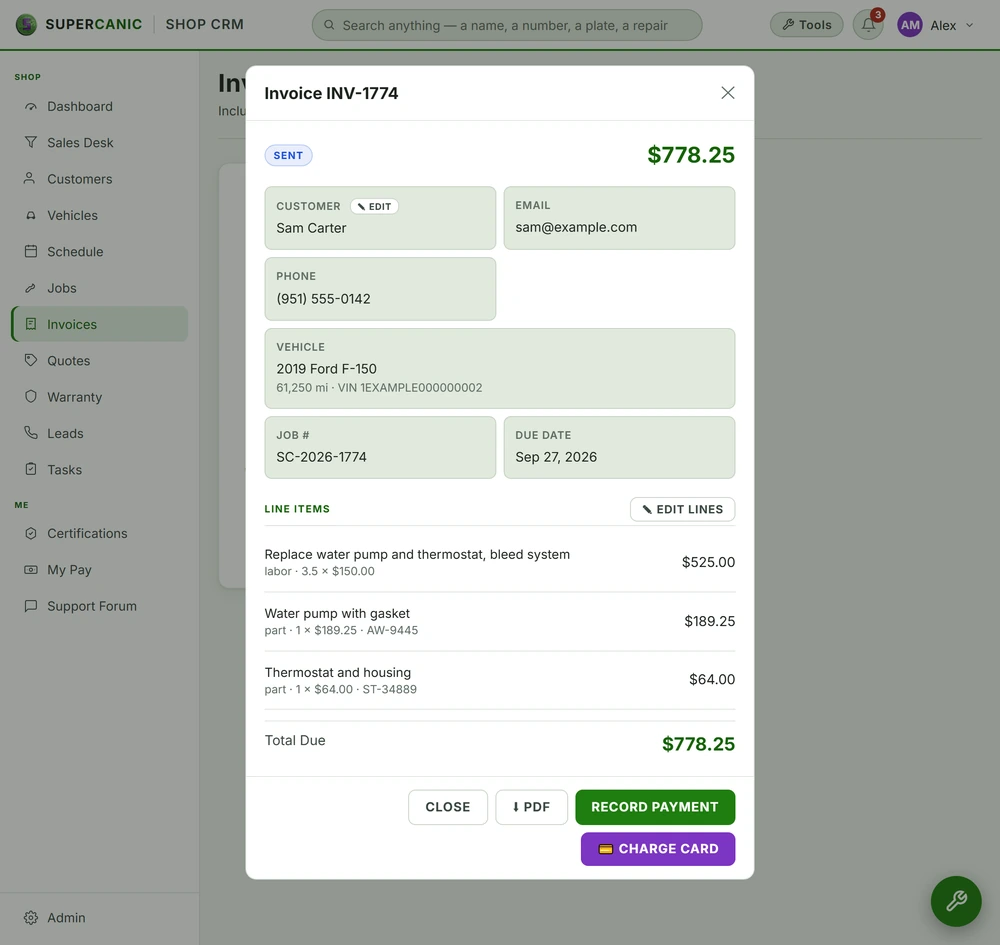
const { error } = await supabase.from('vehicles').update(patch).eq('id', id)If the id does not match a row you can see, Postgres updates zero rows. PostgREST answers with a 200 and an empty list. The error value is null. Your code shows a green toast. The record did not change.
A service advisor can press save three times on the same record and never see why it did not stick. From their side the app is broken. From the logs, every request was a success.
Ask for the rows back and count them.
const { data, error } = await supabase
  .from('vehicles')
  .update(patch)
  .eq('id', id)
  .select('id')

if (error) throw error
if (!data || data.length === 0) {
  throw new Error(`Nothing updated for vehicle ${id}`)
}
Now the three outcomes look different. A real error throws. A save that matched nothing throws with the id in the message. A real save returns the row. Put the id in the message on purpose. The next person to see it will be reading a toast, not a stack trace.
Deletes work the same way. A delete that matched nothing also returns 200. Add .select('id') and check the length there too.
Row Level Security Hides Rows Instead of Refusing Them
Row level security, or RLS, does not say no. It makes rows you may not touch vanish from the query. An update against a hidden row matches nothing, which is the zero row case above. So when someone says it will not save and there is no error, suspect RLS before you suspect the form.
A common way a row goes missing is a null owner column. Say your policy is account_id = current_account_id(). A row with a null account_id matches no account, because null equals nothing in SQL. That row now hides from every user in every account. It exists. Nobody can see it or change it.
Those null rows often come from a column default. A default like current_account_id() reads the signed in user's session. In the browser that works. On the server, with the service key, there is no session. So the default quietly becomes null. A background job that inserts rows every few minutes can make orphans all day and never log a thing.
Two habits close this. First, on any server side insert, pass the owner id yourself. Never lean on a session default outside the browser. Second, check for orphans with one query.
select count(*) from vehicles where account_id is null;Anything above zero is a row your users cannot reach. To repair them, copy the owner from a parent row, such as the customer the vehicle belongs to. For more on how policies decide what a user sees, read our guide to Supabase row level security.
A Column You Did Not Select Comes Back Undefined
PostgREST returns the columns you name and no others. If the page reads row.expires_at and the query never asked for it, the value is undefined. JavaScript does not complain. It just moves on.
It gets worse with a fallback. Picture a quotes list with this line.
const ends = row.expires_at || row.created_atThe query left out expires_at. So every quote falls back to created_at, which is always in the past. Every quote on the page now shows as expired, even ones sent this morning. The data in the table is fine. The screen is wrong and sure of itself.
Fix it in two places. When a page reads a field, check that the field is in that exact query's select. A sibling page that reads the same table proves nothing, because its query is a different query. Then make the fallback sane. Say your quotes last 30 days. The honest fallback is the created date plus 30 days, not the created date.
const DAY = 24 * 60 * 60 * 1000
const ends = row.expires_at
  ? new Date(row.expires_at)
  : new Date(new Date(row.created_at).getTime() + 30 * DAY)
A fallback that is not a sane default turns a missing value into a confident wrong answer.
Catch Branches That Swallow a 404
This one lives in your own code, not in Supabase. It is the error branch that says something calm.
try {
  await fetch('/api/quote', { method: 'POST', body: JSON.stringify(form) })
  showThanks()
} catch (e) {
  showMessage('That did not go through. You can also call us.')
}
Two things are wrong here. First, fetch does not throw on a 404 or a 500. It resolves. So this form thanks the customer even when the route is gone. Second, when it does throw, the message is so polite that nobody reports it. No lead is saved and there is no record that anyone tried.
Routes go missing more often than you would think. A server gets rebuilt, and a route only the old one had is gone. Or the browser check before the real request fails. A JSON body always sends that check first. A server that does not allow your site can answer it with a 404, which looks just like a missing route.
Check the status, and send failures where a person looks.
const res = await fetch('/api/quote', {
  method: 'POST',
  headers: { 'Content-Type': 'application/json' },
  body: JSON.stringify(form)
})
if (!res.ok) {
  reportFailure('quote form', res.status)
  showMessage('That did not reach us. Please call and we will take it by phone.')
} else {
  showThanks()
}
The same trap hides in scheduled jobs. A job that catches an error, logs it and returns 200 looks just like a job with nothing to do. If a job loops over records, give each record its own catch that writes down the reason and moves on. One bad record should be skipped and noted. It should not stop the run, and it should not vanish.
What the Finishing Pieces Contain
You can fix the four core bugs with what is above. The finishing pieces are what we use to keep them fixed. They hold a copy ready helper file that makes every write prove it landed. They cover the edge cases that bite later: a timestamp that turns into a 400, an embed that answers 300, a job that stays off forever because its settings row was never made. And they end with the checklist we run before we trust any save, form or job. Next, read how to make scheduled jobs actually run.
The finishing pieces
Get the Rest of This Guide
You have the method. The finishing pieces are the parts you copy straight into your own work:
- Copy Ready Helpers That Make Writes Prove Themselves
- The Edge Cases That Bite Later
- The Verification Checklist
Questions People Ask
Why does Supabase say my update worked when nothing changed?
An update that matches no rows is not an error in Postgres, so PostgREST returns 200 with an empty list. Add .select('id') to the update and throw if no rows come back.
Can row level security block a save without showing an error?
Yes. RLS hides rows it does not allow, so an update against a hidden row matches nothing and still returns success. Check for rows with a null owner column first.
Does adding .select() to every update slow the app down?
Not in a way a person would notice. It returns the ids of the changed rows in the same request. That small cost buys proof that the save landed.
Why does my page show undefined for a field that has data?
The query did not ask for that column. PostgREST returns only the columns you name, so put the select next to the code that reads the field and compare.
Keep Going
 Free guideDatabase Guide
Lock Down Supabase With Row Level Security
Your Supabase anon key ships in every page load, so any table without row level security is open to anyone who looks. Turn RLS on for every table, take access away from anon, find what is still open with one catalog query and prove each policy by running as a real user.
Read itData LayerPostgres and Row Level Security on Supabase
Your data lives in Postgres on Supabase, with row level security switched on for every table and the public key shut out. We prove each rule by signing in as a real user and asking, not by reading the code that set it up.
Read it Free guideAutomation Guide
Scheduled Jobs That Actually Run When Nobody Is Watching
A scheduled job is only done when it runs on a night nobody checks. Put each job in the right tier, fix the defaults that stop it, and alarm on what it produced, not on whether it ran.
Read itWe sell time
Get Years of Building Switched On in Hours
A thirty minute call. A written price. Nothing built until you say yes.