Getting Found
Where the hours go. Posting, listings, city pages, photos. It never ends.
What runs instead. Your site, your map profile and a page for every city and service you want, built in one pass and kept current.
We sell time
Most businesses build their systems one year at a time. A website one year. A booking tool the next. Someone to answer the phone after that. We already built all of it, and we run it every day in our own repair shop. So the stack that takes you years takes us hours to switch on.

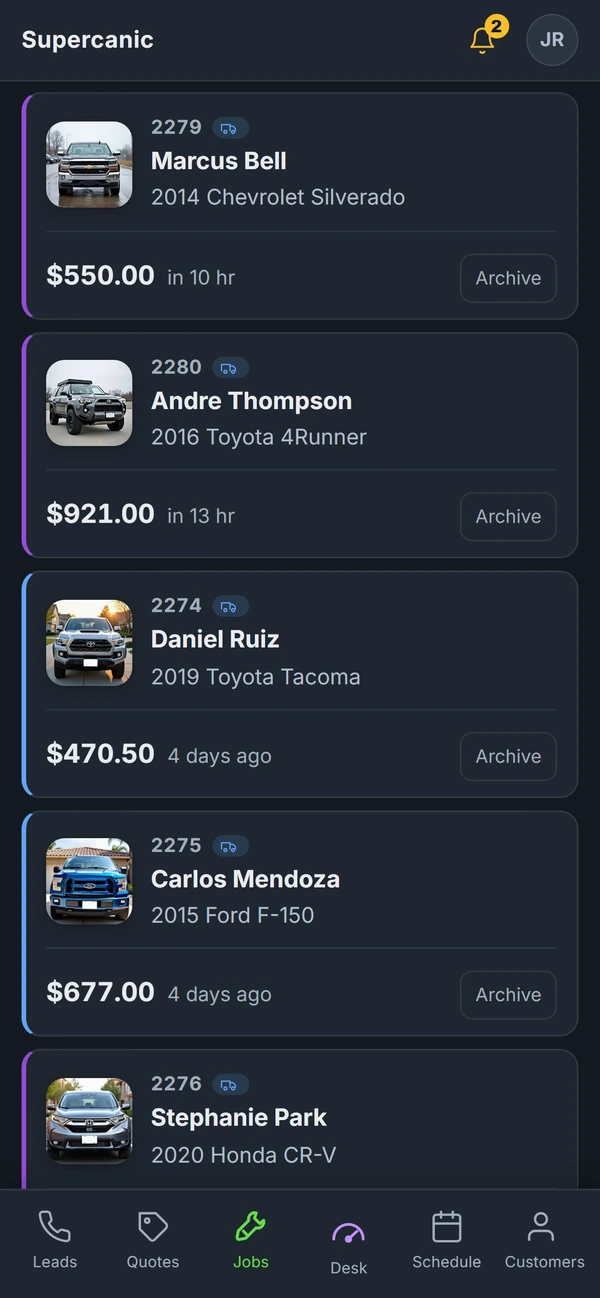
Running live at our own shop
Same six pieces.
Switched on in one day.
You did not start a business to spend Tuesday night on invoices.
Time is the only thing an owner cannot buy more of. Or at least it was. Every hour you spend on the phone, on the calendar, chasing a payment or guessing what the marketing did is an hour we can take off your plate. That is the whole product.
How it works
A real repair at Supercanic, our own shop, from the first search to the weekly report. Every screen is the software doing the work. Customer names on the screens are samples.
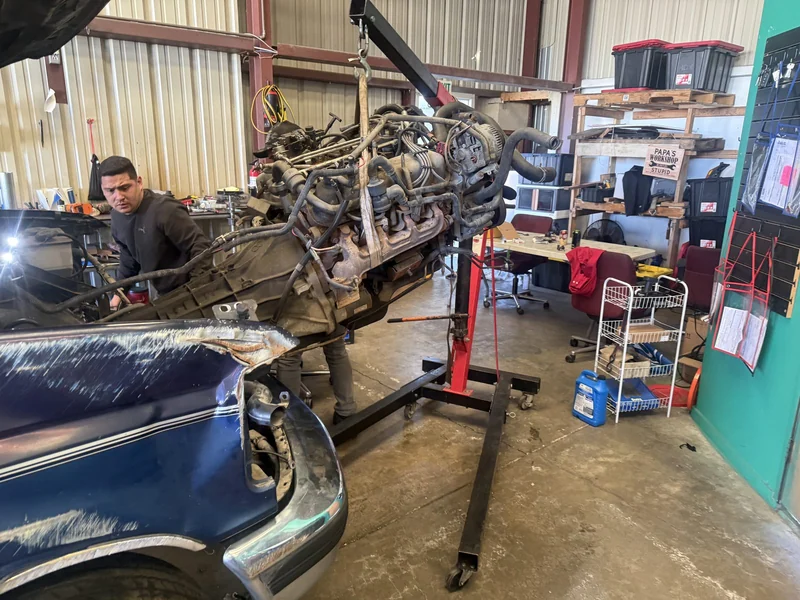
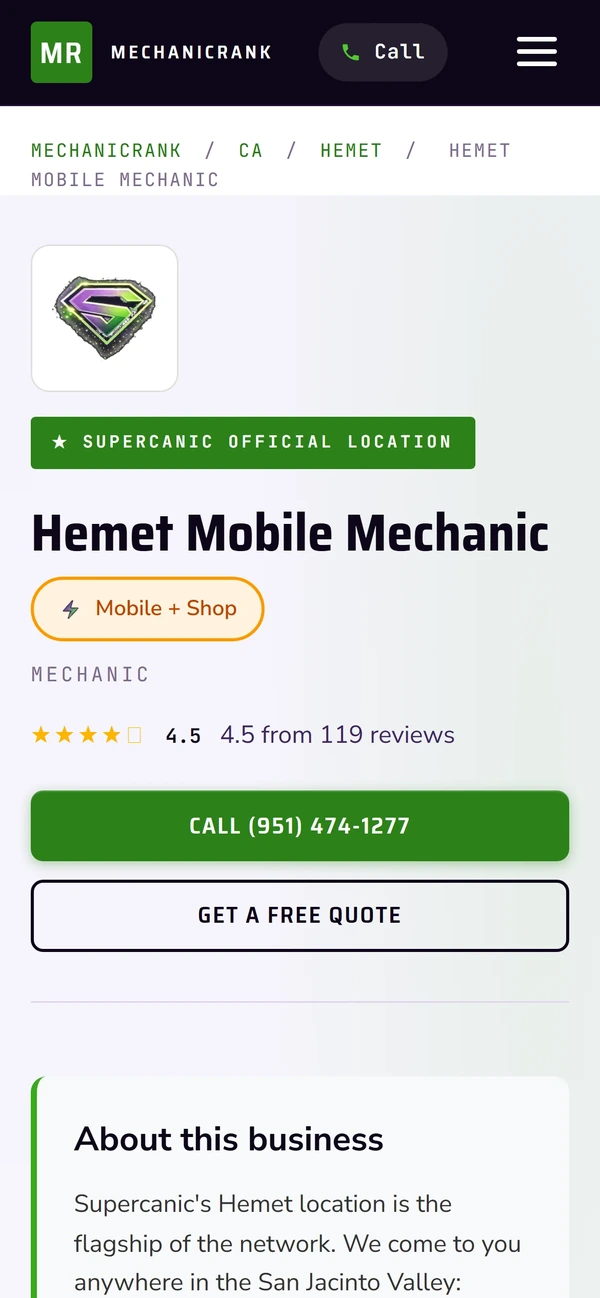
01Getting Found
A truck will not start. The owner searches for a mechanic near them. Our directory listing, the map profile and the city pages all point to the same shop, with real photos and a number to call.
The old wayA website one year. Map listings fixed the next. City pages never.
How getting found works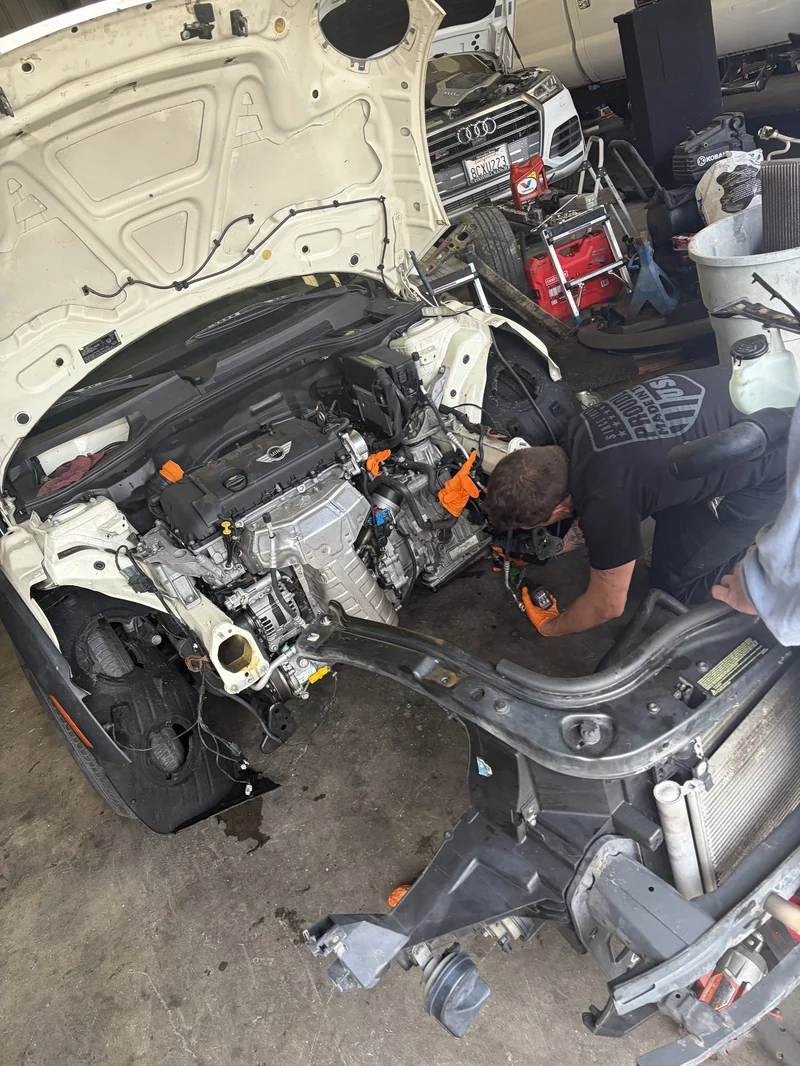
Example thread
Hi, this is Supercanic. Sorry we missed your call. We are under a car right now. What is the vehicle doing?
2015 F-150, overheating on the freeway
Got it. Pull over if the gauge climbs. Our service advisor will call you in a few minutes to get you booked.
Handed to a person
02Answering
The tech is under the hood and the phone rings out. The front desk texts the caller back right away, asks what the car is doing, and hands the thread to a person when it matters.
The old wayHire someone to sit by the phone, or lose the job to whoever picked up.
How answering works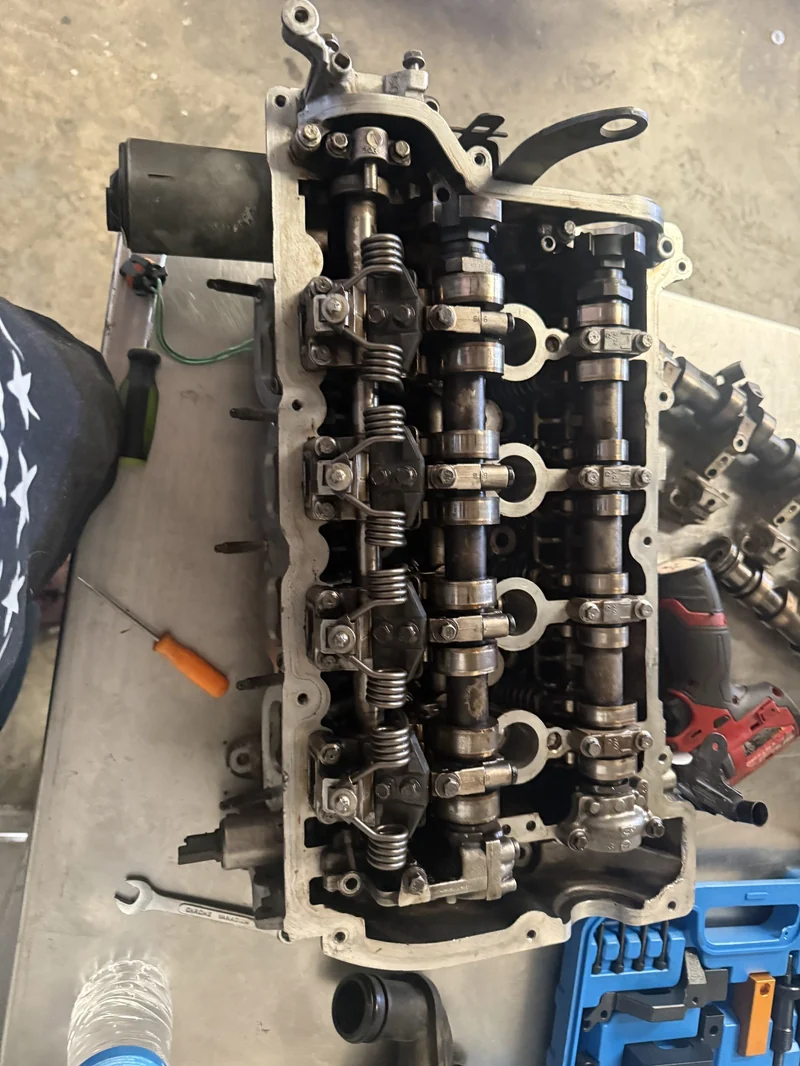
03Quoting
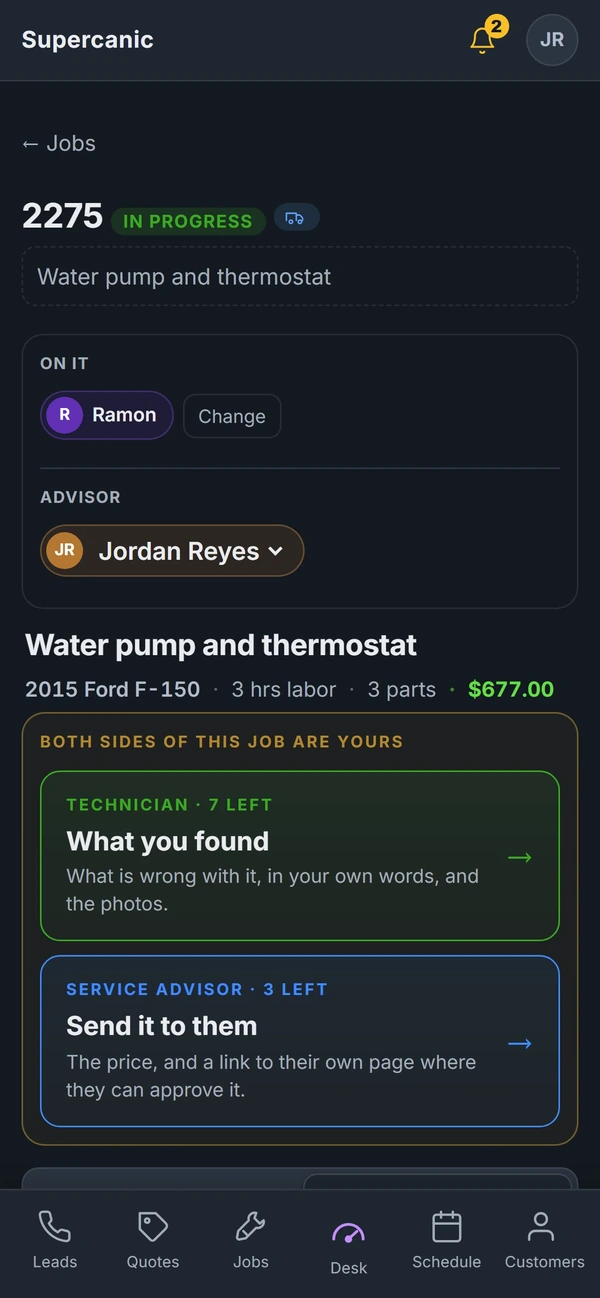
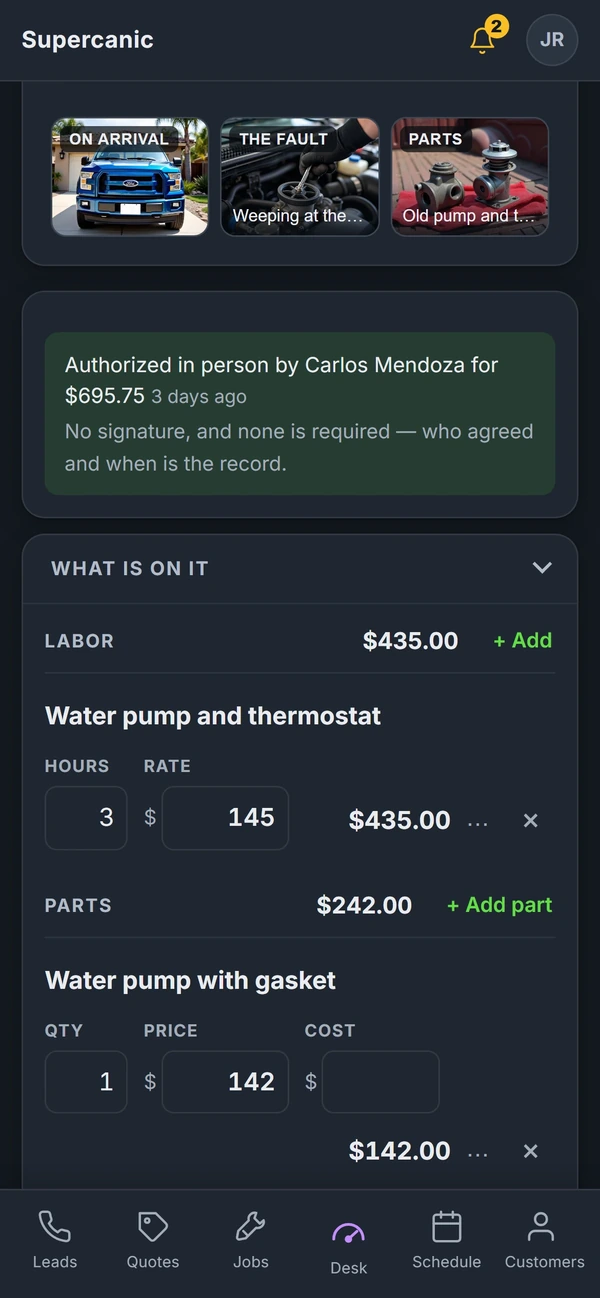
The tech notes the problem and adds photos on the job. The service advisor turns it into a quote with labor and parts, and sends the customer a link.
The old wayQuotes typed twice, then read out over the phone.
How quoting works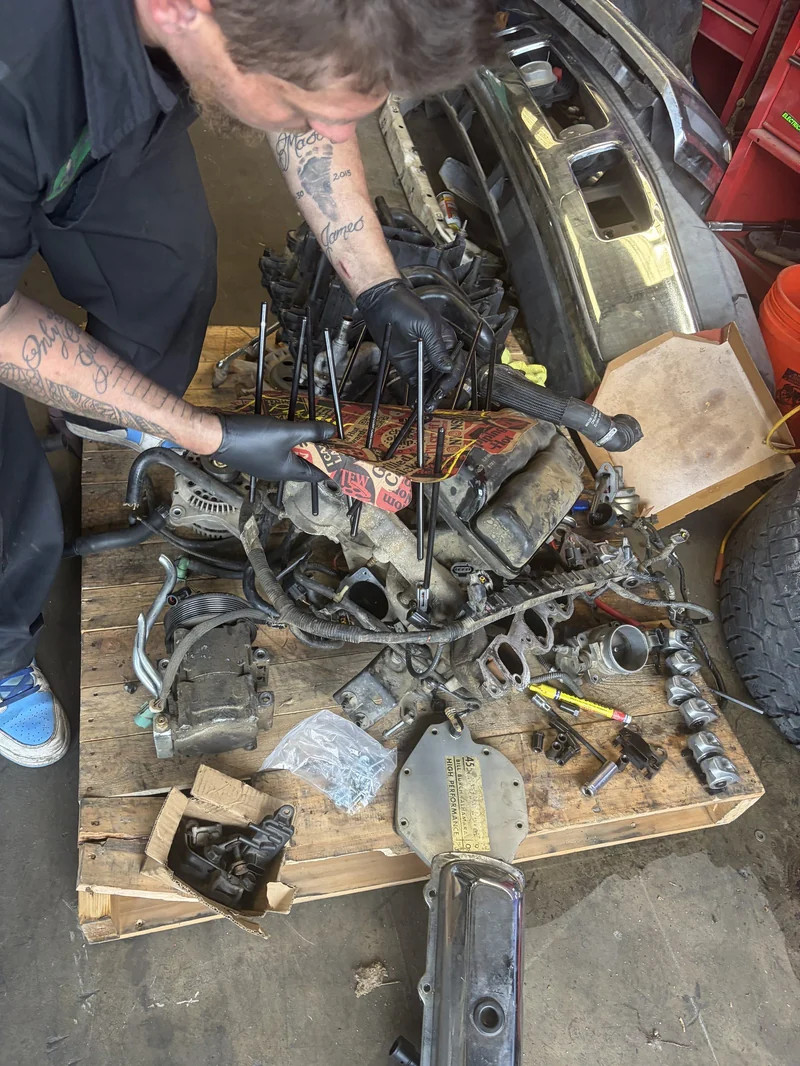
04Approval
The customer sees the price and the photos, and approves. Who agreed and when is stored on the job, so nobody argues about it later.
The old wayA yes over the phone that nobody wrote down.
How approvals work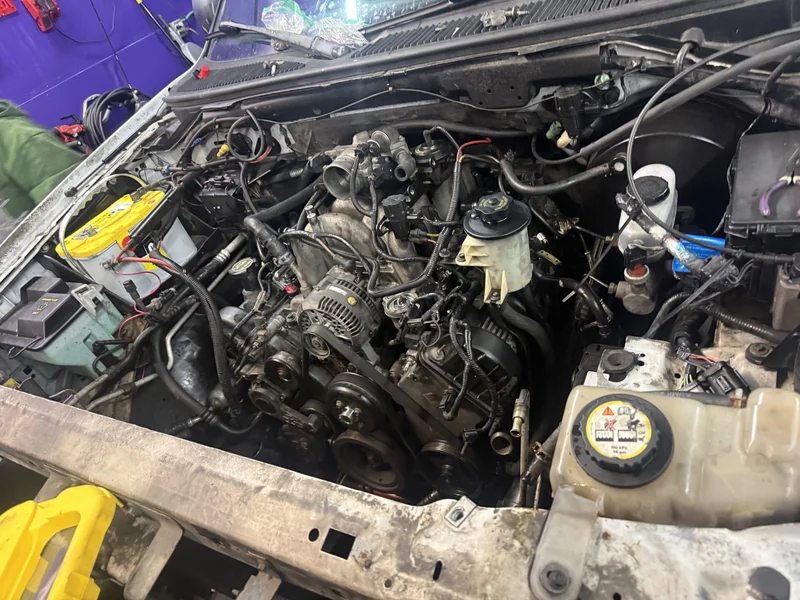
05The Work
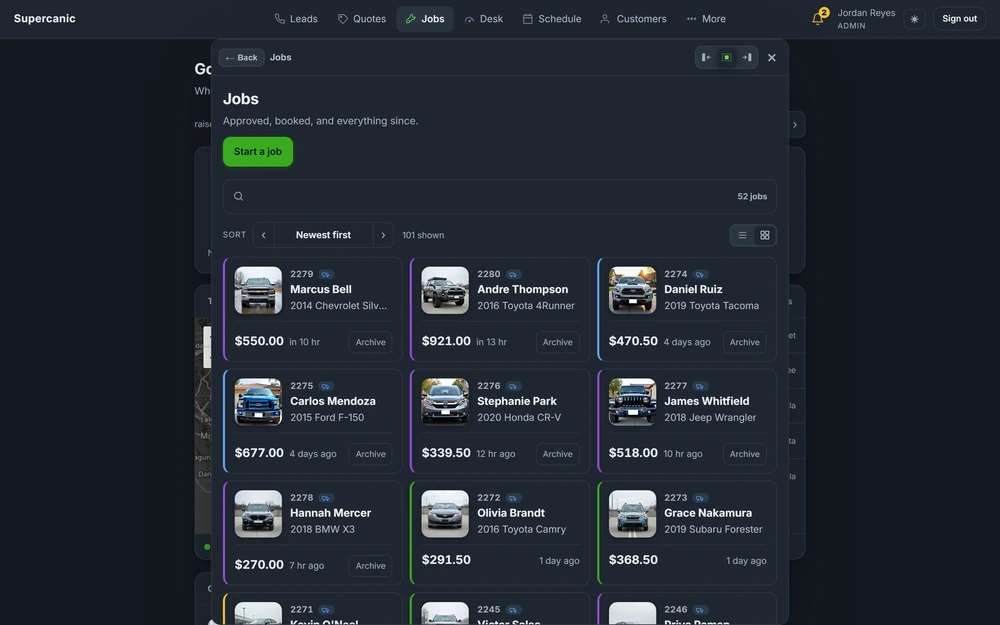
Every approved job moves to the board. Everyone can see what is in each bay, who has it and what is left, without walking to the front to ask.
The old wayA whiteboard, and a lot of walking.
How Shop Desk is built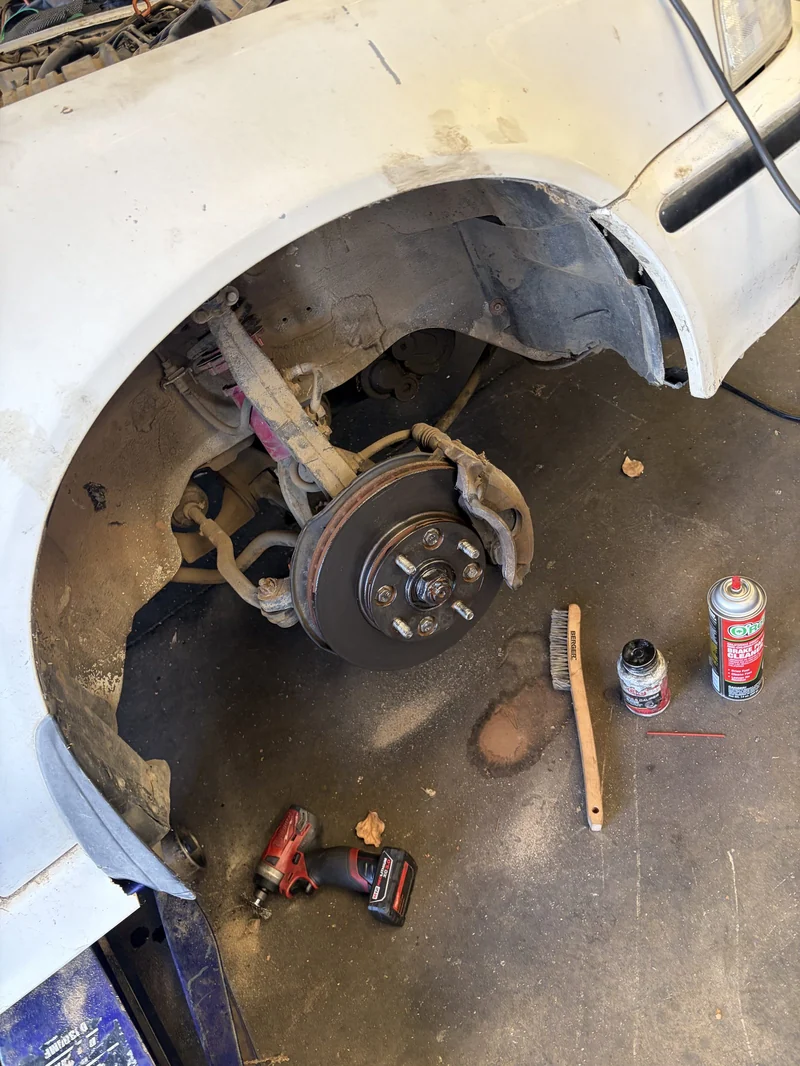
06Getting Paid
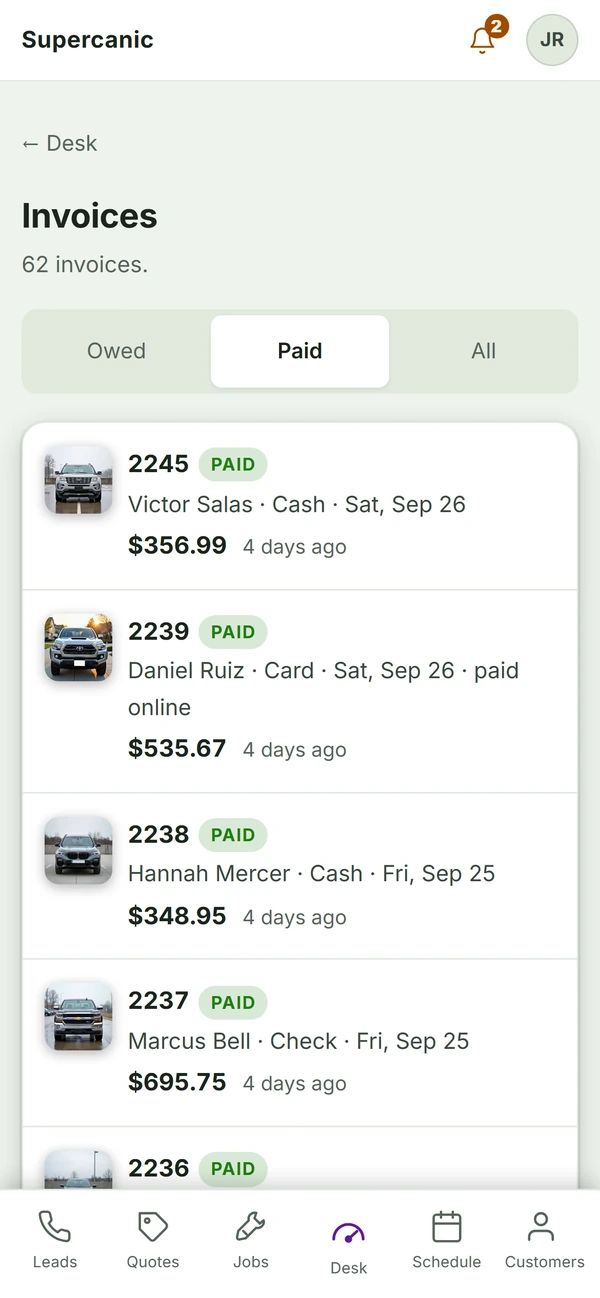
The invoice builds from the approved quote, so nothing is typed twice. The customer pays by card, cash or check, and it shows paid on the screen the same day.
The old wayInvoices sent days late and payments chased for weeks.
How getting paid works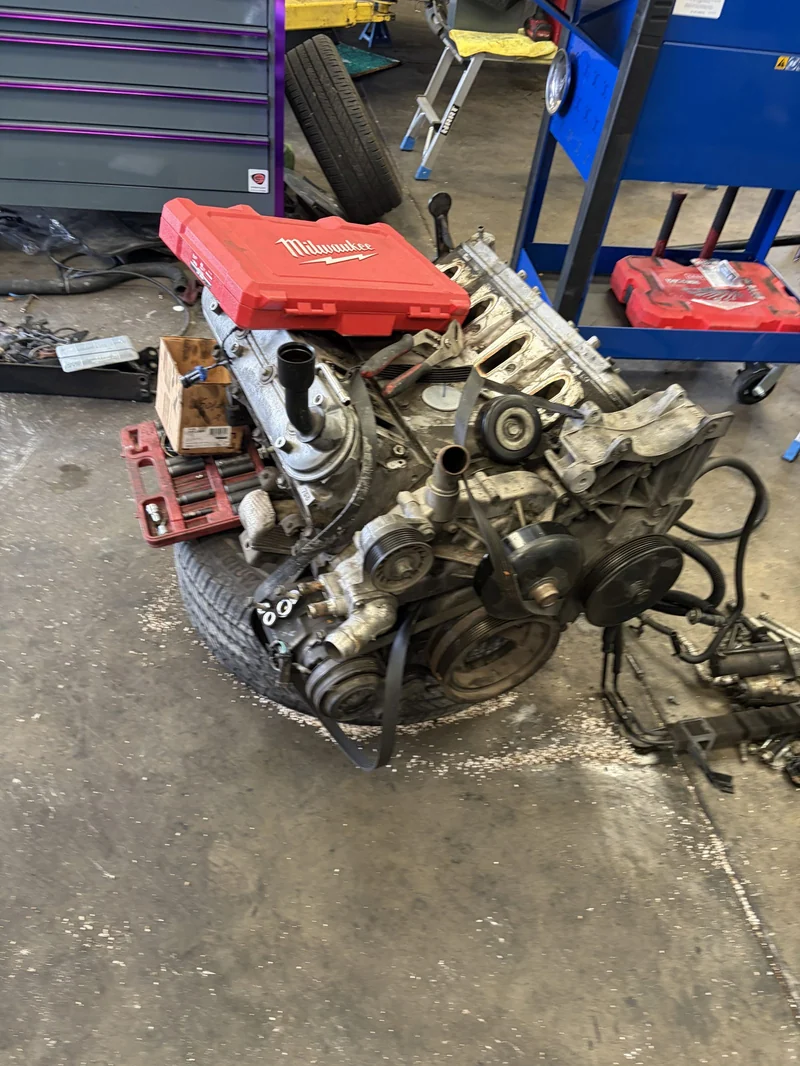
07Reporting
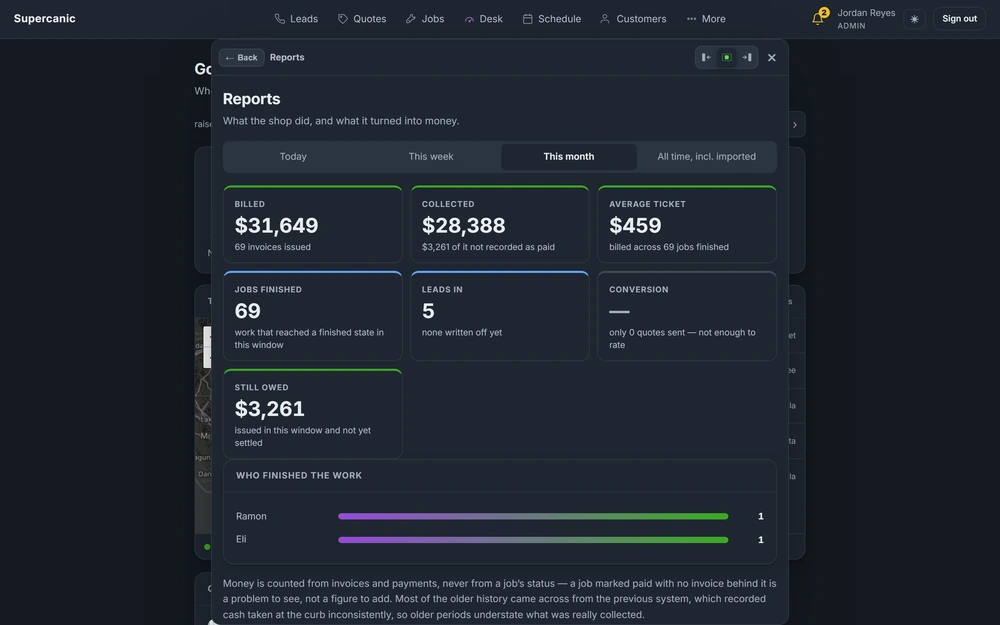
Calls, jobs and money land in one report. The owner sees what came in, what got done and what got paid, and a summary reaches their inbox every week.
The old wayGuessing whether the marketing works.
How reporting worksThat is one job. The same stack runs every job, every day, at our shop first and then at yours.
The proving ground
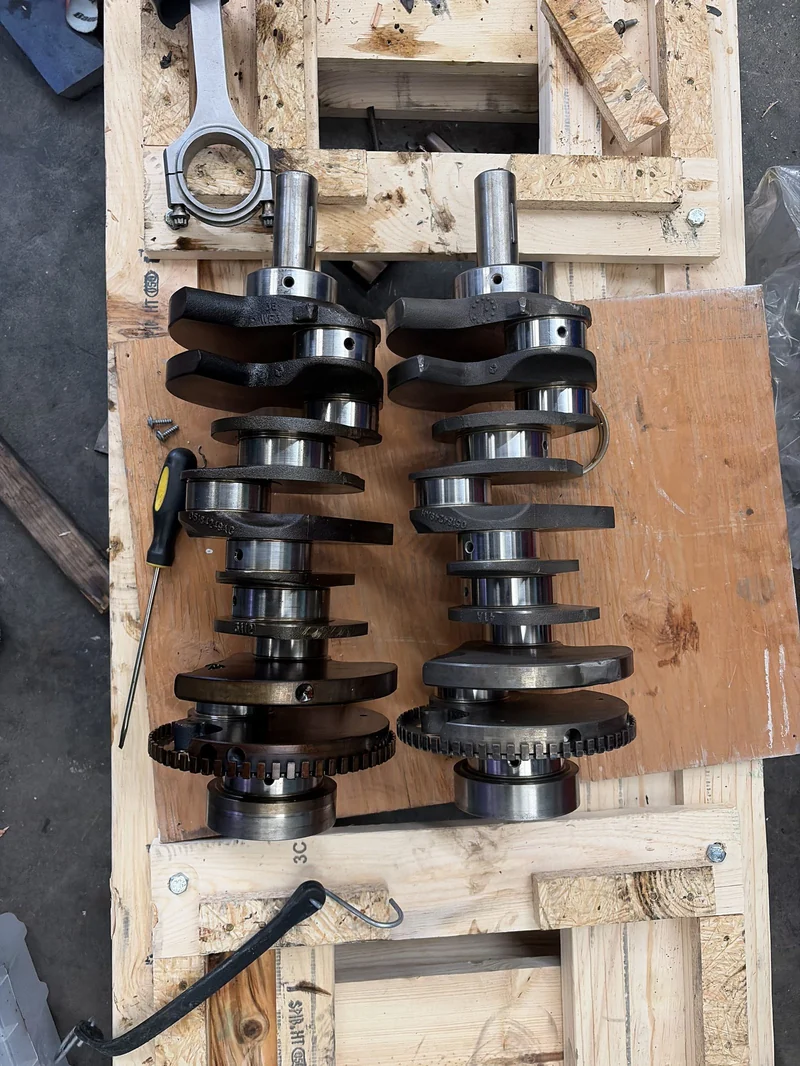
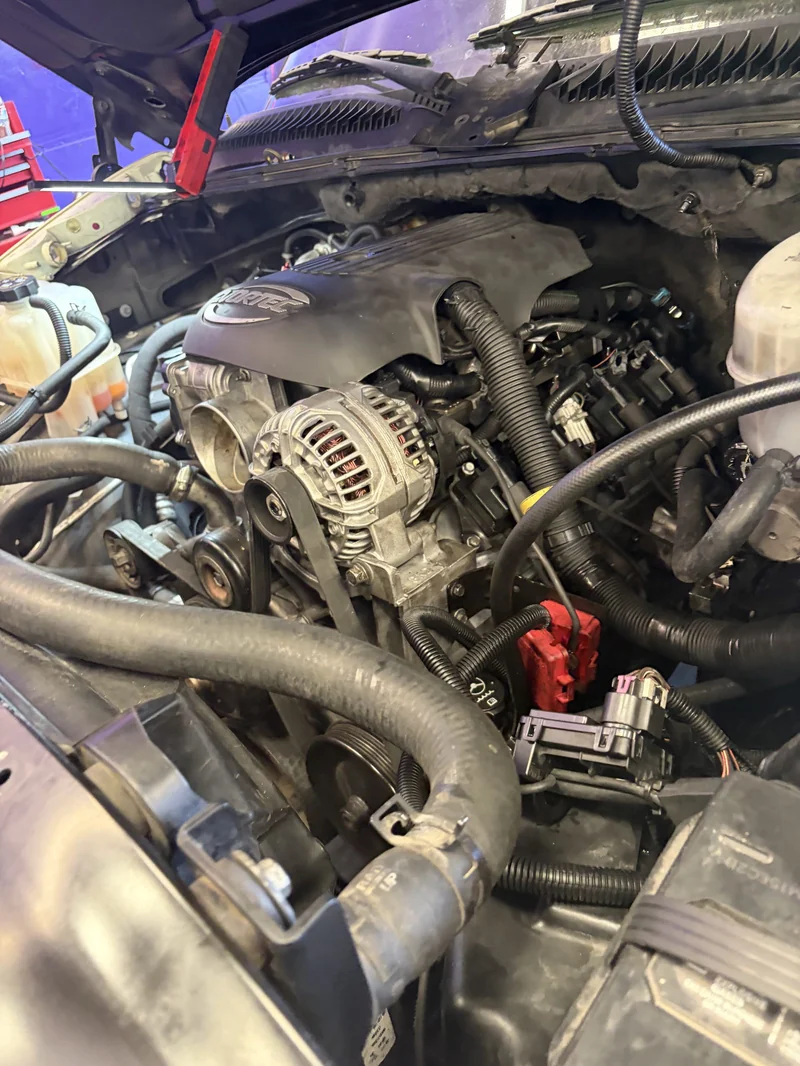
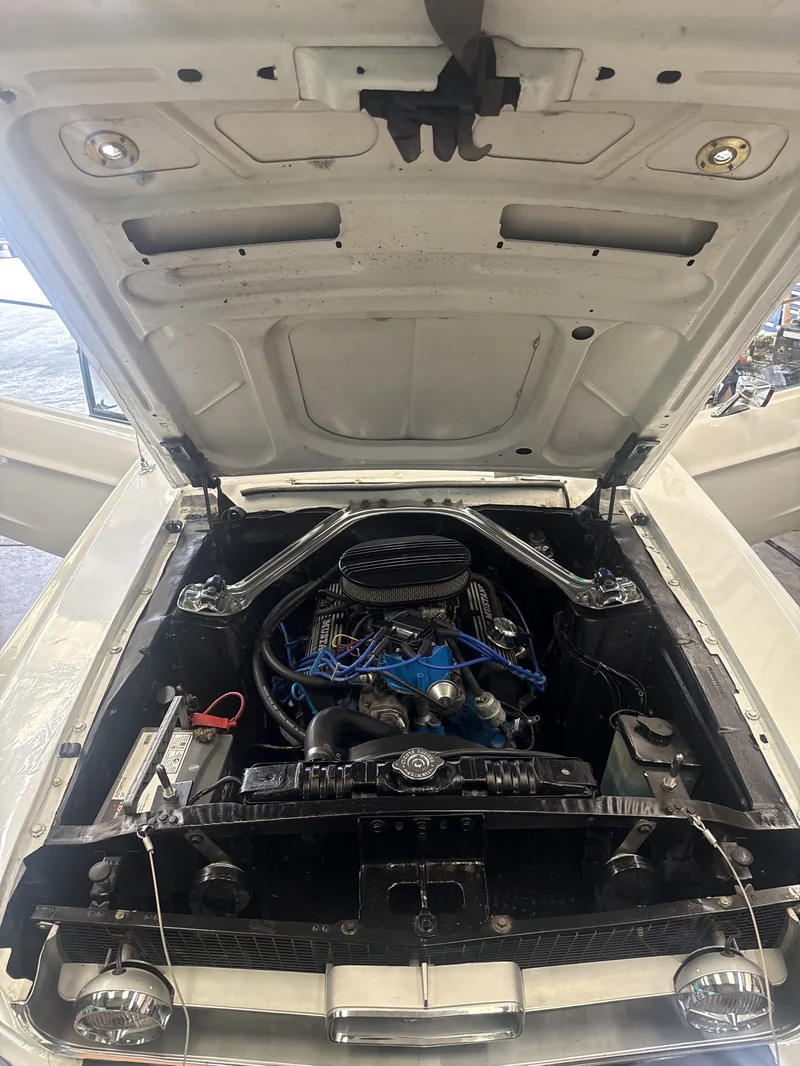
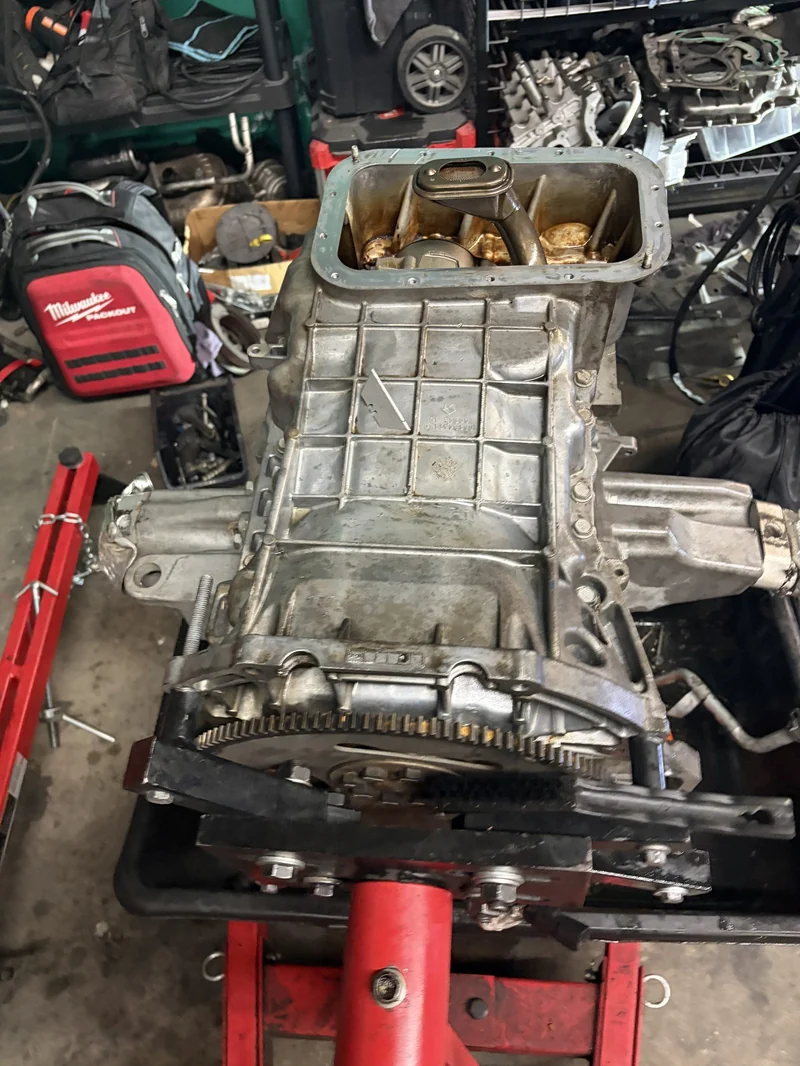
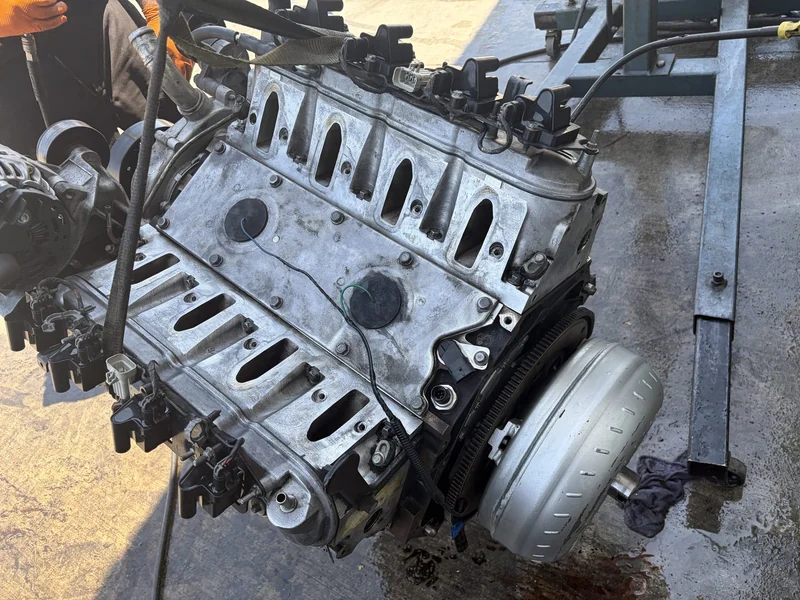
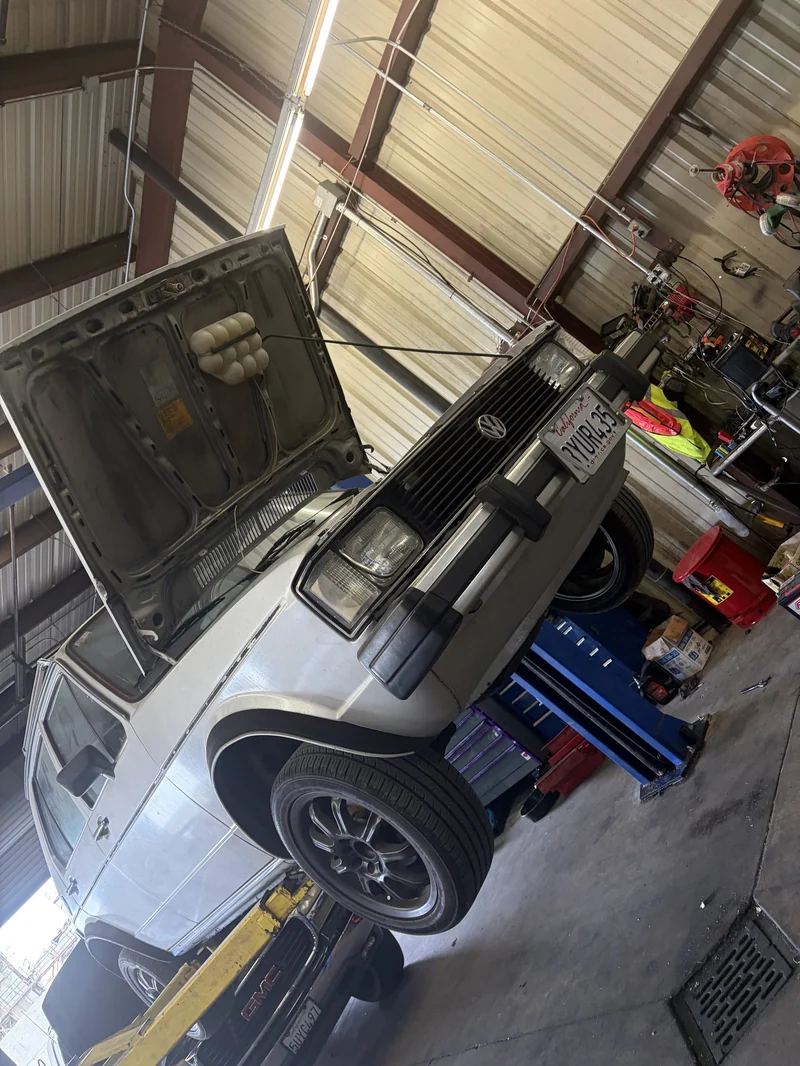
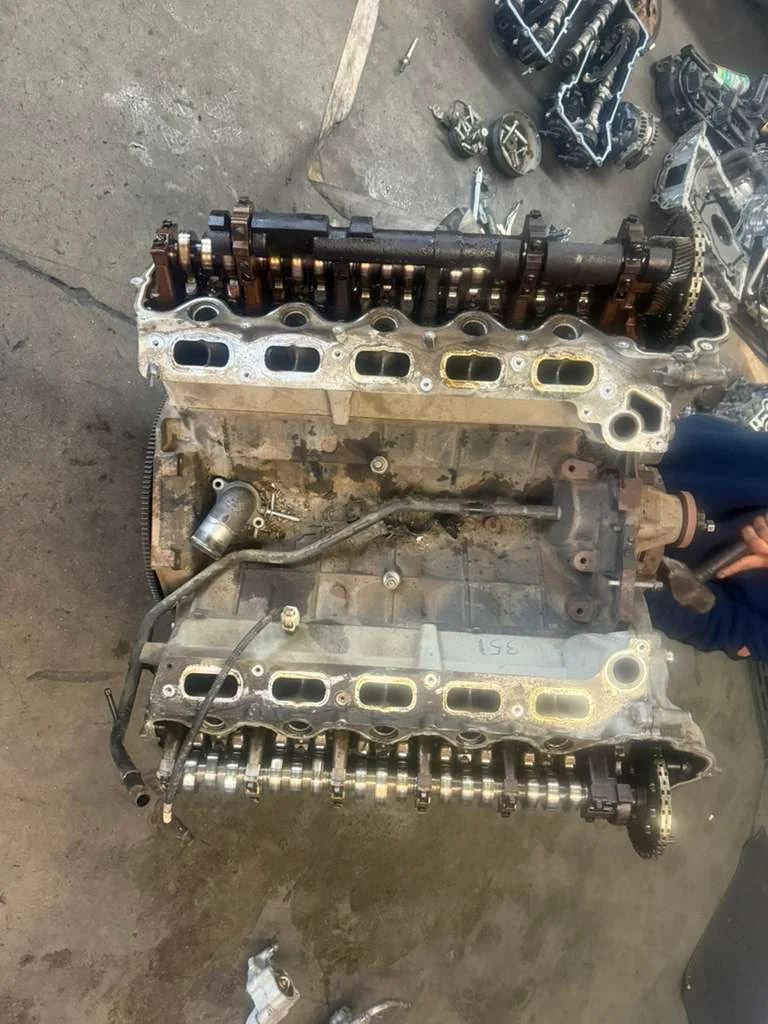
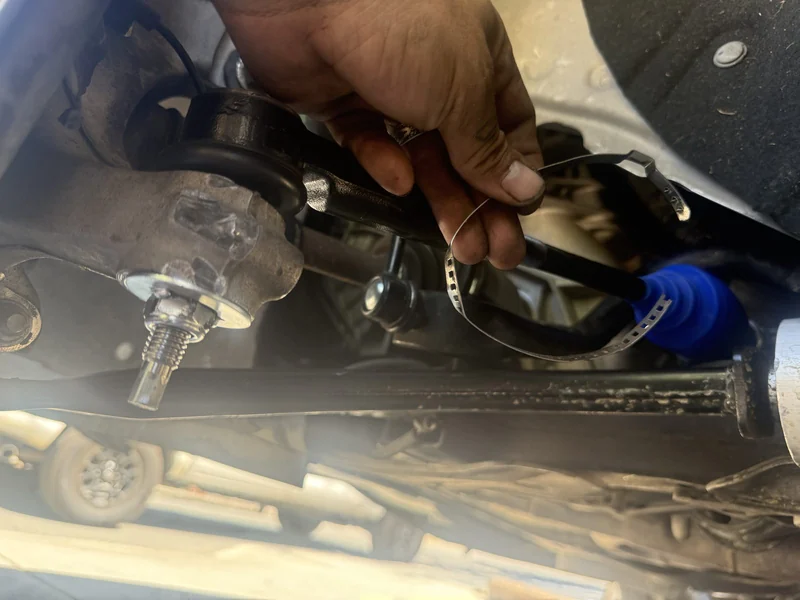
Supercanic is a working repair shop. These are real jobs from our bays. If a screen wastes a tech's time, we fix it before it ever reaches yours.
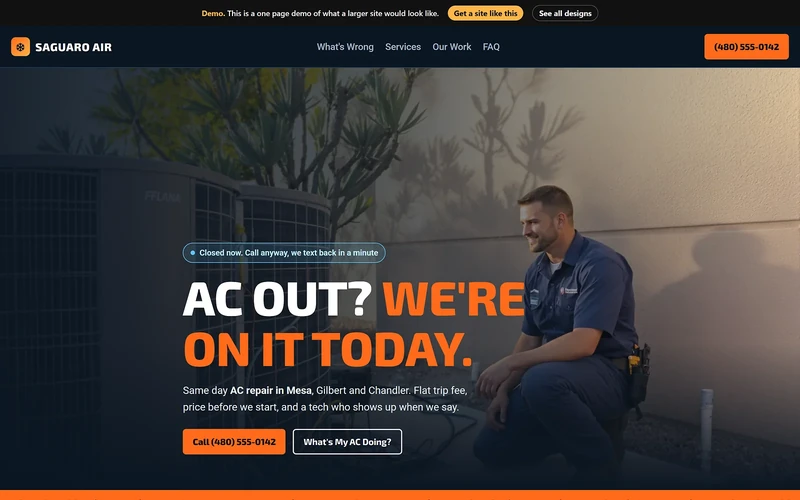
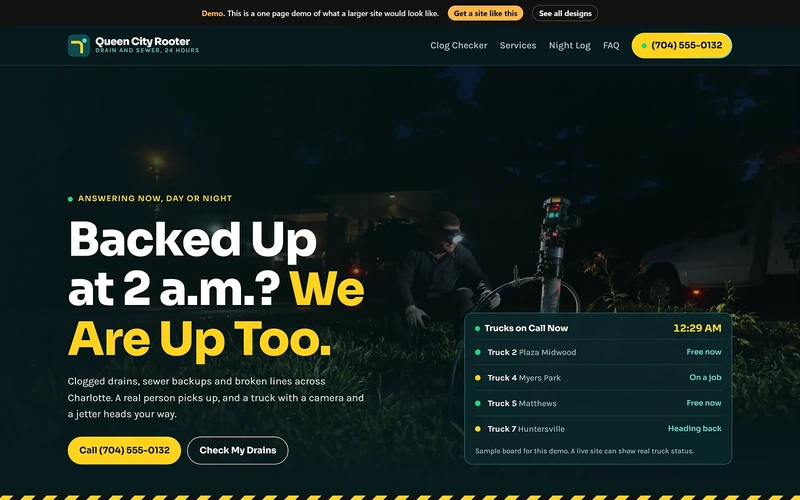
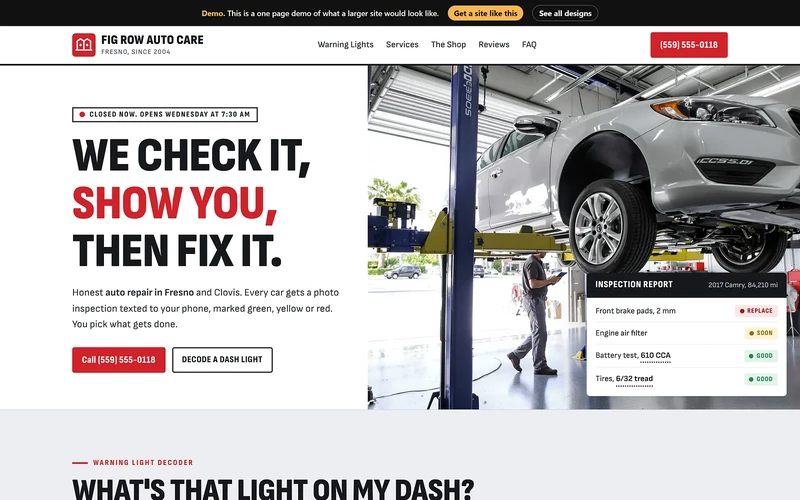
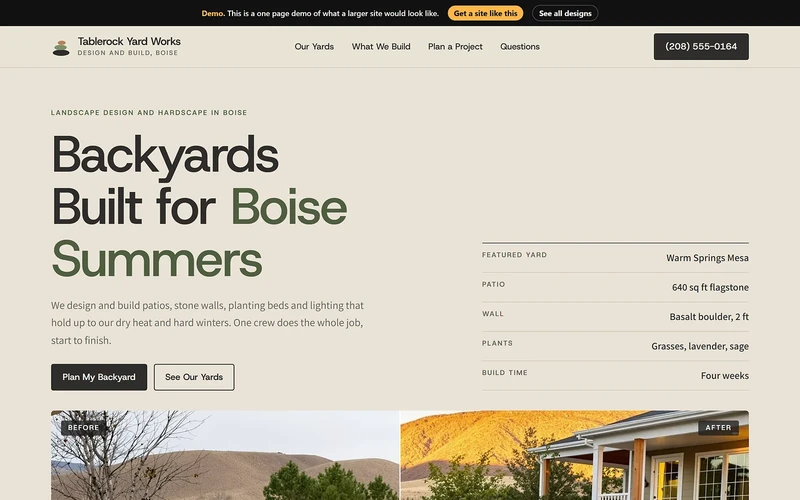
Getting found starts with a look
At least two designs for every industry we serve. You pick a direction, and we fit it to your name, your photos and your prices.




Every avenue
Eight places a local business loses hours. We have a working system for each one. Turn on one or turn on all eight.
Where the hours go. Posting, listings, city pages, photos. It never ends.
What runs instead. Your site, your map profile and a page for every city and service you want, built in one pass and kept current.
Where the hours go. The phone rings while your hands are full. The job goes to whoever picks up.
What runs instead. A front desk that texts back every missed call right away, day or night, and hands the thread to a person when it matters.
Where the hours go. Quotes typed twice. Approvals chased by phone. A calendar on a whiteboard.
What runs instead. Quotes the customer approves from their phone, and a schedule that fills from the approval.
Where the hours go. Invoices sent late. Payments chased for weeks.
What runs instead. The invoice goes out when the work is done, and the customer pays by card from a link.
Where the hours go. Reviews never asked for. Customers never called back.
What runs instead. Review asks, reminders and check-ins that go out on their own, in your name.
Where the hours go. A blog nobody has time to write. Training nobody filmed.
What runs instead. Articles, walkthrough videos and staff training made from your real work.
Where the hours go. Guessing whether the marketing works.
What runs instead. One dashboard with calls, rankings and jobs, plus a report in your inbox every week.
Where the hours go. The site is down and nobody knows who to call.
What runs instead. Fast hosting and IT help from the same team that built the site.
Why it is fast
Hours are only possible because the building is behind us. Here is some of it.
One roof
Each one started as a fix for hours we were losing ourselves. Now they run for other businesses too.
Sites, search and marketing
Websites, map profiles, city pages, content and video. The part of the stack that makes the phone ring.
Software for auto repair shops
Quote, approve, schedule, invoice and collect from one screen, with a front desk that answers texts and missed calls.
Software for RV service
The same desk, built around RV work. Longer jobs, bigger parts orders and customers who live on the road.
A directory for drivers
Where drivers look for a repair shop they can trust, and where good shops get found by people who never knew their name.
Hosting and IT
Hosting and IT support for small business, plus news on the tools worth your time.
How we build, written down
Where we write up how all of this works, in plain words, so other builders can use it.
The proving ground
A working auto repair shop with real customers and real bays. Everything we sell runs here first. If it wastes a service advisor's time, it never reaches yours.
Look under the hood
We would rather show you the machine than tell you about it. Start anywhere.
Build · Shop SoftwareShop Desk is the software that runs Supercanic, our own working auto repair shop, every day. It takes a job from the first missed call to the paid invoice, and every rule in it came from a real day on the floor.
Read it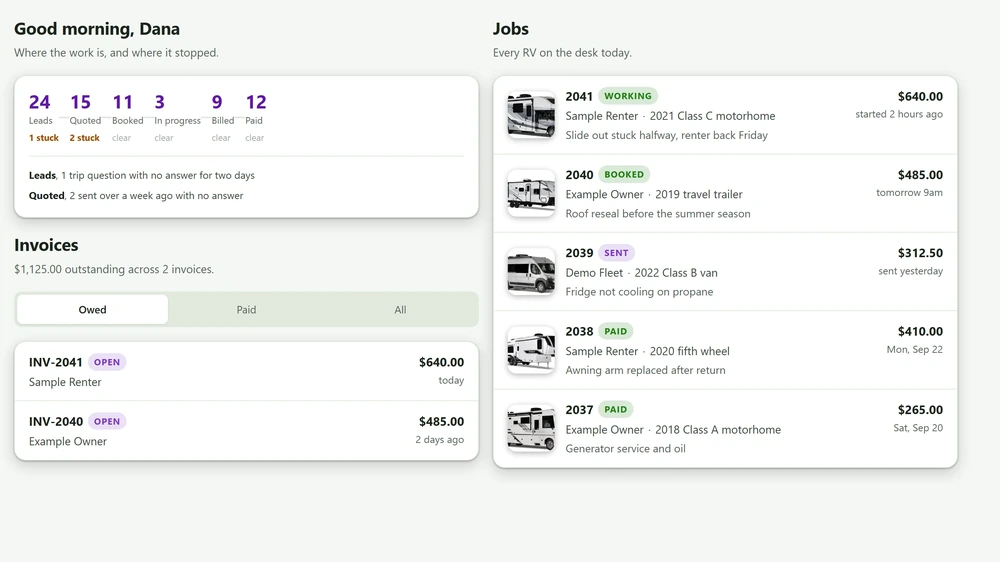 Build · RV Service
RV Shop Desk is the desk that runs our own auto repair shop, shaped for RV service. It quotes, gets the owner's approval on their phone, schedules, invoices and collects, and its front desk answers texts and missed calls.
Read it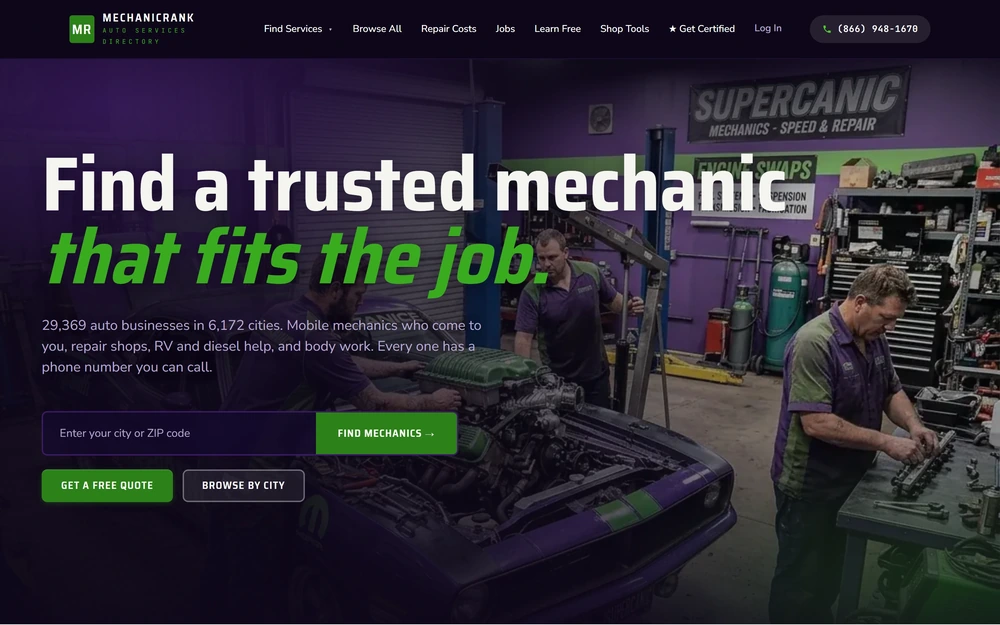 Build · Directory
MechanicRank is a directory where drivers find repair shops. It is a static site built from a staged data pipeline, and a gate at the end refuses to publish if any stage came back short.
Read it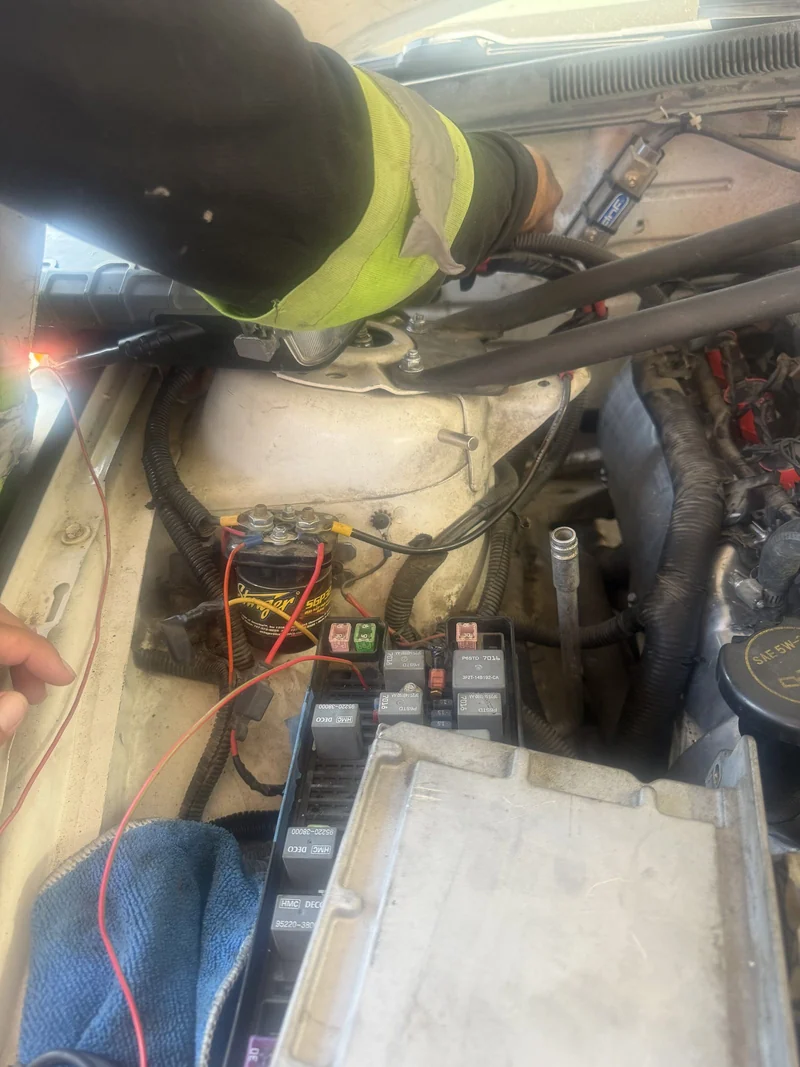 Build · Answering
Our AI front desk texts back a missed call right away, holds the conversation, and hands it to a person when one steps in. It was built for a shop that stopped picking up the phone, so it is the front door and not a nice extra.
Read it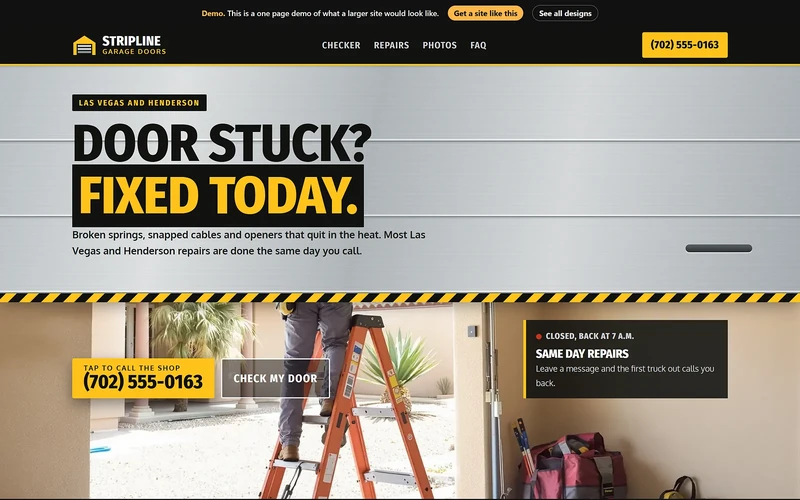 Build · Web Design
We built 210 website design mockups across dozens of industries, with at least two for every industry. An owner looks, points at one, and the design question is settled in minutes instead of weeks.
Read itBuild · Site SpeedIn one day we raised 40 sites in our network to a 99 or 100 mobile PageSpeed score. The fixes were plain ones. The lesson was where to make them, because a fix made in the wrong place quietly undoes itself.
Read it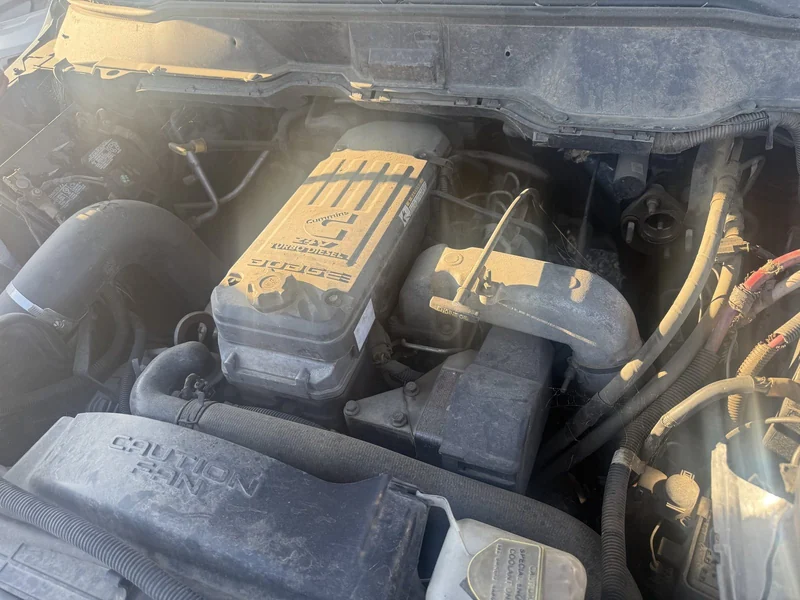 Free guideAnswering Guide
A missed call textback should know who called before it picks its words, and it should never say something the business would not say. This guide shows you how to build one that holds up when nobody is watching.
Read it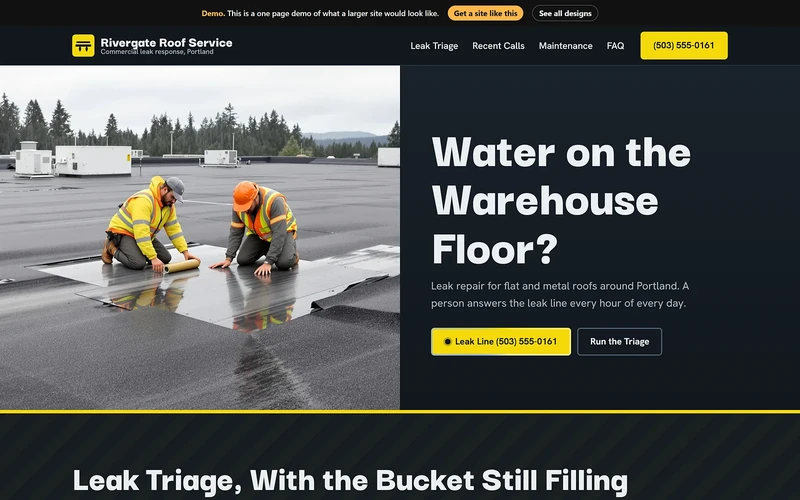 Free guideHosting Guide
A folder of HTML plus two small files is all it takes to serve a site from Cloudflare's edge, with a www redirect and a real 404 page. This guide gives you both files and explains each line.
Read it Free guideSpeed Guide
A local business site can score 99 or 100 on mobile PageSpeed when the hero image loads first, every image has a size, fonts do not block text and no script stops the page from painting. Make those fixes in the code that builds your pages, not in the pages.
Read it Free guideBackup Guide
One backup on a drive by your desk protects you from a dead laptop. A second copy in the cloud at a separate company protects you from a fire or ransomware. The 3-2-1 rule asks for both, plus the working copy, and a small office can set it up in an afternoon for a few dollars a month.
Read itFree guideLocal SEO GuideA city page ranks and holds up when the facts on it change with the city, not just the city name. Give each page who covers the area, how long it takes to get there and what goes wrong there, then answer local questions in a visible FAQ with matching schema.
Read itFree guideIndexing GuideVerify your whole domain in Google Search Console with one DNS record, add it to Bing Webmaster Tools, submit a sitemap and send changed pages to IndexNow. This guide includes a working IndexNow script that uses only Python's standard library.
Read it FreePDF, 22 pages
The rules, texts and tests you would otherwise learn one wrong message at a time.
Read it FreePDF, 24 pages
Three proven page layouts and the worksheet that fills them with real local facts, so each city page takes an hour instead of a day.
Read it FreePDF, 16 pages
The launch steps you would piece together over an afternoon of docs, in one list you can work top to bottom.
Read it FreePDF, 17 pages
Twenty minutes a week on the right tasks, instead of an hour a week guessing which ones matter.
Read it FreePDF, 20 pages
Three tested prompts and the guardrails around them, so you skip the week of finding out what a bot will say to a real customer.
Read it FreePDF, 21 pages
One day of fixes in the right order, instead of a week of trying things and rerunning the test.
Read itHow it works
A thirty minute call. You tell us where your week goes. We tell you which pieces give the most hours back first, and what they cost, in writing.
We set the pieces up on your name, your number, your prices and your hours. You do not learn new software to get started. We do the setup.
We watch it, fix it and report on it every week. When you are ready for the next piece, it is already built.
Questions
Every part of a business eats hours. Getting found, answering the phone, quoting, booking, getting paid, following up, making content, reading reports. We run a system for each one, so those hours come back to you.
The setup is. Our stack is already built and already running for real businesses, so putting it to work for you is hours of setup, not months of building. Some results still take the time they take. Rankings and reviews grow over weeks, and we tell you what to expect on the first call.
No. Most owners start with the one part of the week that hurts most. That is often missed calls or quoting. You add the rest when you are ready.
Local service businesses. Auto and RV repair is where we started, because we run a repair shop ourselves. We also work with home service trades, dental and medical offices, and other businesses that live on phone calls and appointments.
It depends on which parts you turn on. After the first call we send a price in writing. Nothing is built and nothing is charged until you say yes.
Someone from our team calls you within one business day. The call is about thirty minutes. We ask where your week goes, and we tell you which pieces would give the most hours back first.
Start here
Someone from our team calls you within one business day. No charge to talk, and nothing is built until you say yes.