Change Control
Deploy Without Breaking the Live Site
Most outages on small teams come from a good change made to the wrong copy, or half a change shipped alone. Prove what is live, write the undo before you start, and check the live site, not the deploy log.
- Year 1Website
- Year 2Map Listings
- Year 3Booking Tool
- Year 4Front Desk
- Year 5Payments
- Year 6Reports
Same six pieces.
Years of lessons, one read.
Free to read. Most of this guide is open. The finishing pieces at the end come to you when you opt in.
The Short Version
- Before the first edit, prove the copy you are editing is the one that is live.
- Write the undo before the change, including what the undo does not restore.
- Some surfaces have a real rollback. A database, a sent text and a leaked file do not.
- Batch your changes and push once. Every push is a deploy.
- The deploy log says it published. Only the live status code says it worked.
Name How Big the Change Is
Before anything else, say out loud what the change can hurt. That sets how careful you need to be.
- Money, customer data, or anything that sends to a real person. Invoices, access rules, texts, email campaigns, a database change on the live system.
- Live product behavior people rely on today. Screens, job status, phone routing, scheduled jobs.
- Live public pages. Copy, redirects, DNS, a site deploy.
- Internal tools and reports.
- Nothing live yet. A new repo or a local branch.
The top two need every step in this guide, written down. Public pages need the first, second and fourth steps. Internal work needs the first.
Do not split a big change into small ones to make it feel smaller. Three small edits to how invoices total are still one change to money.
Prove You Are Editing the Live Copy
The most common way to break a live site is to edit a copy that is not the live one. The edit works on your machine. You deploy. The deploy replaces newer work with your older copy. Nothing warns you.
Check four things before the first edit. Never assume any of them.
- The working copy is current. Fetch, then count how far behind you are. If the answer is not zero, pull first.
- The database is the live one. Many teams have a live database and an old one. Run one query whose answer you know only the live one has, like the newest order.
- The site is the right site. One repo can build two sites. Name the site, not the folder.
- You know which door deploys. On some hosts a push to main is a deploy. On others only a manual command changes what is live. Find out which before you push.
git fetch
git rev-list --count HEAD..@{u}
That second line prints how many commits you are behind. Zero is the only safe answer.
Write the Undo Before the Change
No undo, no change. The undo is a command or a named deploy, not an intention. Write three things down before you edit.
- The exact restore step. The command, or the id of the last good deploy.
- How long it takes to work. Instant, a few minutes, or the length of a full build.
- What it does not restore. This is the line that matters most.
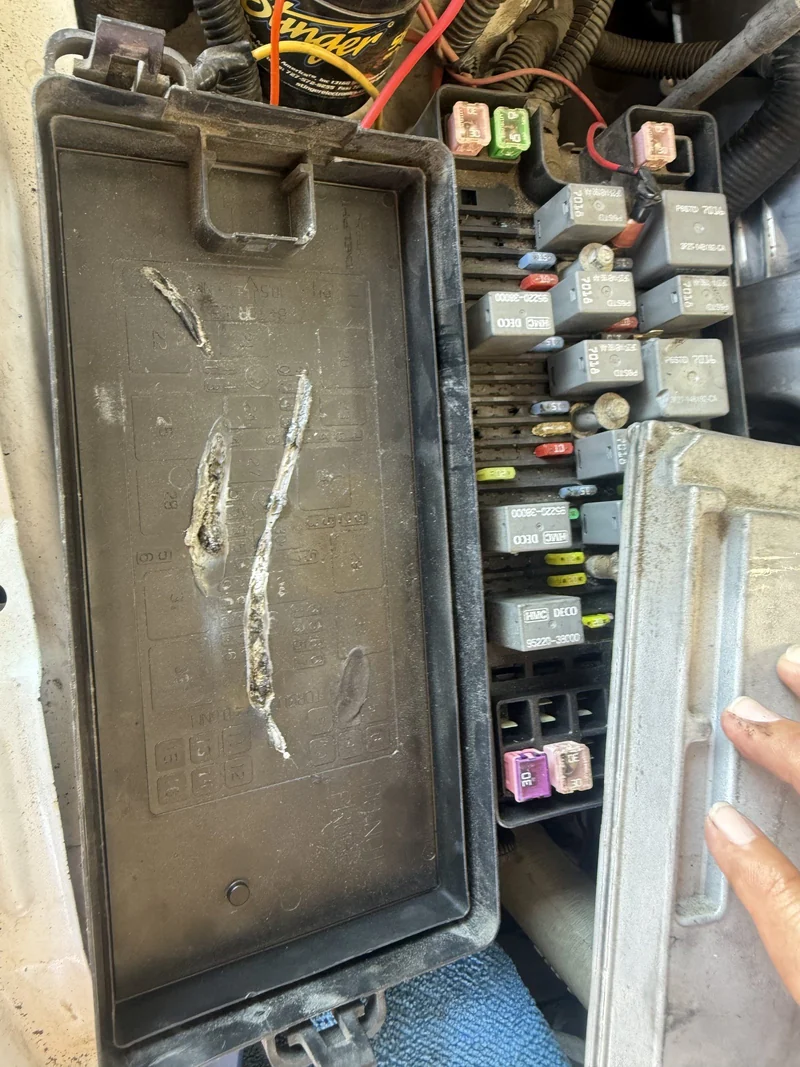
That third line is where teams get hurt. Restoring a site deploy does not un-send a text. It does not un-send an email. It does not un-leak a file that someone already downloaded. It does not roll back the database.
If the change has no real undo, say so before you start. Then decide if it is still worth doing, and how to make it smaller.
Which Surfaces Have a Real Rollback
| Surface | Undo | What it does not restore |
|---|---|---|
| Static site on a host with deploy history | Restore the last good deploy. Instant. | Files already downloaded. Forms sent while it was broken. |
| App built from git | Revert the commit and redeploy. As slow as the build. | Data the bad version wrote. |
| Database migration | Usually none. You write a forward fix. | Rows changed or dropped. |
| DNS record | Put the old value back. | Caches keep the wrong answer until they expire. |
| Text or email sent | None. | Everything. It is gone. |
Look at the database row. Many small teams run migrations with no way back. A migration that fails halfway can stay halfway. Treat every live migration as a one way door. Test it on a copy first, and make it add things rather than change or drop them.
Ship the Tolerant Half First
Many bad nights come from a good change shipped through only one of its two doors. A new screen needs a new column. A redirect file needs to move with the files it redirects. A feature ships and its help page still says it is missing.
Before you ship either half, name both. Then ask one question. Which half can live without the other?
- A new column the old code ignores can go first.
- A screen that needs a column the old code would break on goes first, but hides itself until the column exists.
- Never leave the halves apart overnight. The overnight gap is where a customer meets the broken half.
Batch, Then Push Once
On most hosts, every push to main is a deploy. Ten small pushes are ten deploys. Each one is a moment when the live site is half changed, and each one may cost build minutes or money.
Make your edits, test them together, then push once. If the host builds on push, you get one build, one live change, and one clear point to roll back to.
In a folder where more than one person or tool works, watch what you stage. Add the files you changed by name. Adding everything can ship someone else's half done work along with yours.
Check the Live Status Code, Not the Deploy Log
A deploy log that says published only tells you the host took your files. It does not tell you the right files went out, or that the rules went with them. A wrong publish folder can make every page a 404 with a green log. A stray redirect rule can send every page to itself.
So check the live site. Ask for the pages and read what comes back.
curl -sI https://example.com/ | head -n 5Read the status, the location header and the server header together. A page that should load answers 200. A page you moved answers 301 with the new address. A 301 that points at itself is a rule gone wrong.
Always check something that should work next to the thing you changed. A 404 from the wrong host looks just like a rule working. A good result only counts when a known good page, on the same host, in the same run, still answers 200.
Check It as the Person It Affects
You are signed in as the owner. You see everything. The people your change affects do not. A new access rule can look fine to you and hide every row from a technician. A page can look fine in your browser, which has the old files cached, and be broken for a first time visitor.
So check as them. Sign in as a test user with the same role. Open the page in a private window, and in a browser that has visited before. Submit the form the way a customer would. If the change sends something, send one to yourself through the real path and confirm it arrived.
Silence is not a result. A page that shows nothing, a count of zero, or a quiet catch can all look like success. If a check returns nothing, find out whether nothing is the right answer before you call it done.
Write It Down Where It Lives
A change nobody can find in three months gets made again, or undone by someone who did not know it was on purpose. Keep three short files in each repo.
- README. What this is and how to build and deploy it.
- RUNBOOK. How to run it, and how to undo each thing it does.
- DECISIONS. Why it is this way, with dates. Add to it, never rewrite it.
The runbook is the one most teams skip. Plenty of projects explain how to deploy. Very few explain how to roll back. Write the undo down where the thing lives, not only in a chat that will scroll away.
What the Finishing Pieces Contain
You can make safe changes with what is above. The finishing pieces give you the change record we fill in before any live edit, a copy ready script that checks a list of live URLs against the status codes you expect and fails loudly, and the first hour plan for when something live is already wrong. They close with the checklist we run after every deploy. Next, see how a site gets fast and stays fast in static hosting on Cloudflare.
The finishing pieces
Get the Rest of This Guide
You have the method. The finishing pieces are the parts you copy straight into your own work:
- The Change Record Template
- A Live Status Check Script
- When Something Live Is Already Wrong
- The After Every Deploy Checklist
Questions People Ask
Is it enough that the deploy log says published?
No. It only says the host took your files. Load the live pages and check their status codes, next to one page you know should still work.
How do I roll back a bad website deploy fast?
Restore the last good deploy in your host's deploy history. It is instant. Then fix the code and rebuild, rather than rebuilding first while the bad version stays live.
Can I undo a database migration?
Often not. Many setups have no way back, so treat each live migration as one way. Test on a copy, add rather than drop, and plan a forward fix.
Why push once instead of after every small fix?
On most hosts every push is a deploy. One push means one build, one live change and one clear point to roll back to.
Keep Going
 Free guideHosting Guide
Host a Static Site on Cloudflare Workers Static Assets
A folder of HTML plus two small files is all it takes to serve a site from Cloudflare's edge, with a www redirect and a real 404 page. This guide gives you both files and explains each line.
Read it Hosting Layer
Edge Hosting on Cloudflare Workers
Your site is a folder of plain files served from Cloudflare's edge, close to every visitor. A small Worker in front handles the few jobs that need a brain, and a deploy costs nothing extra.
Read it Avenue 8 of 8
Hosting and IT That Stays Out of Your Way
Your site runs on edge hosting that stays fast and does not need patching. T3CHS handles the rest of the hosting and IT so a broken email or a lost password is not your whole afternoon.
Read itWe sell time
Get Years of Building Switched On in Hours
A thirty minute call. A written price. Nothing built until you say yes.