Build · Reporting
The Reporting Dashboard That Writes Its Own Reports
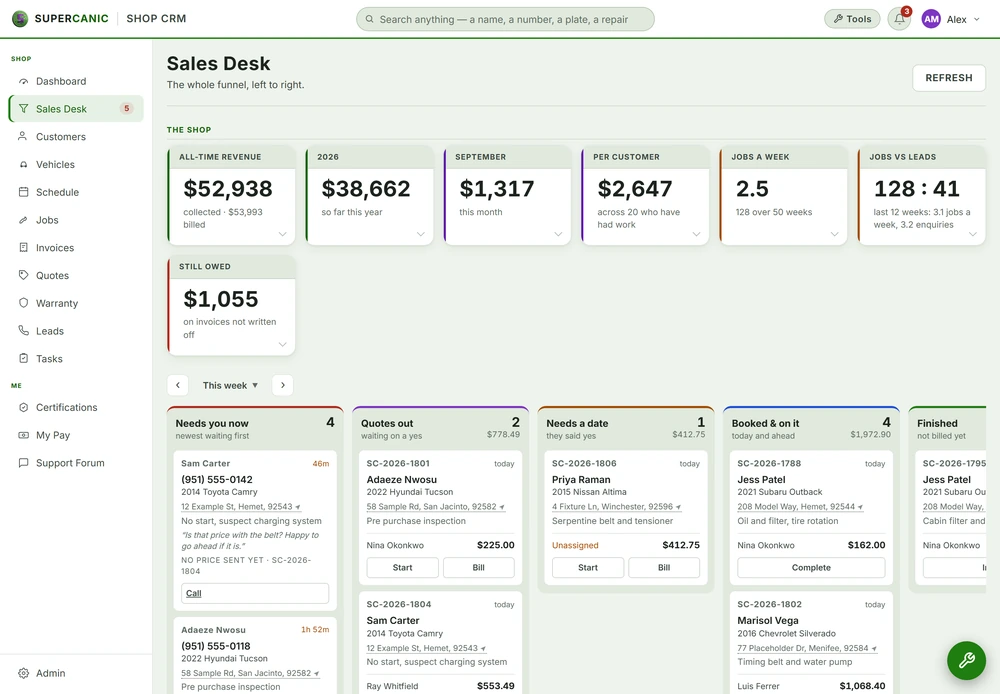
Our reporting dashboard puts calls, rankings and jobs on one screen. It scores each milestone with impact points and sends the daily, weekly and monthly reports by itself, so nobody spends Monday building a slide deck.
- Year 1Website
- Year 2Map Listings
- Year 3Booking Tool
- Year 4Front Desk
- Year 5Payments
- Year 6Reports
Same six pieces.
Built once. Switched on in hours.
The Short Version
- Calls, rankings and jobs sit on one screen instead of three logins.
- Every milestone earns impact points, so progress shows before revenue does.
- A daily email goes out only when something happened. Weekly and monthly reports go out on their own.
- Client logins see only their own sites. Everything else is denied by default.
| Sources | Calls, rankings, jobs |
|---|---|
| Progress | Impact points per milestone |
| Daily | Milestone email, only on news |
| Weekly and monthly | Reports sent on their own |
| Access | Scoped logins, default deny |
| Search data | Google Search Console, GA4 |
- SourcesCall trackingSearch ConsoleJobs
- SweepScheduled workerRank checks
- MilestonesPage oneTop threeMap pack
- PointsWeighted stepsWeekly chart
- DeliveryDaily emailWeeklyMonthly
Where Reporting Time Goes
An owner wants to know one thing. Is the money I spend on marketing working? The answer lives in three places. Calls are in the phone system. Rankings are in a search tool. Jobs are in the shop software. Nobody has time to log into all three and line them up.
So someone builds a report by hand. They pull screenshots, paste numbers into a deck, and write a paragraph. Say that takes three hours a week. That is a working week each quarter spent on copying numbers from one screen to another. And by the time the owner reads it, it is old.
What We Built
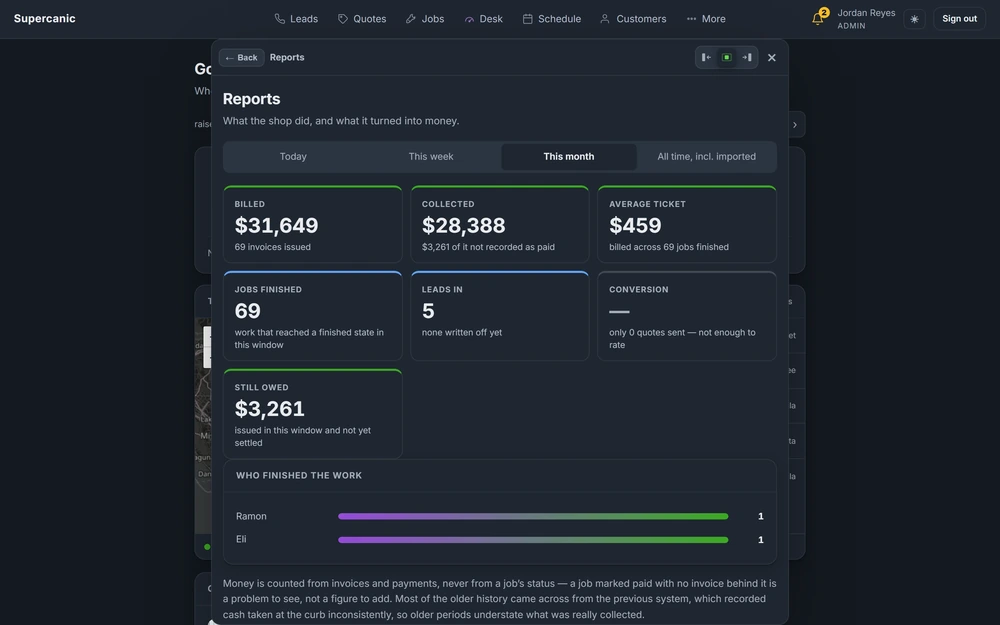
We built one dashboard that reads all three and puts them side by side. Calls, rankings and jobs, on one timeline, for each site.
Progress in marketing is slow to show up as money. A page climbs from the second page of results to the first long before the phone rings more. So the dashboard scores the steps along the way. Each campaign step has a weight in impact points. Each milestone, like reaching page one, the top three, or the map pack, is recorded once. A weekly chart shows the points climb, and a short list shows the latest moves.
Steps have plain statuses. In progress, done, on hold, or waiting on the client. When the next move is the owner's, the dashboard says so in its own box, so nobody wonders why a step has not moved.
Then it writes the reports. A daily email goes out only on days when something happened. A weekly report goes out on Mondays. A monthly report goes out on the first. Every one is stored, so you can look back at what was sent.
How It Is Wired
A scheduled worker at the edge runs the sweep. It checks rankings, reads search data, and looks for new milestones. Search data lags by a few days, so each report window ends a few days back. That way a report never shows a drop that is really just data that has not arrived yet.
Milestones live in their own table and are recorded once each. The first sweep found milestones that had already happened. Those were marked as the baseline, and they never appear in a report. A report that claims last year's win as this week's news is a report nobody trusts twice.
Every table the dashboard uses has row level security on, with public access revoked. You can read how that works on the analytics and reporting page.
What Broke and What We Changed
Logins That Could See Too Much
The first client login could read every site on the dashboard. We rebuilt access as default deny. A client login names the sites it may see, and a login with no sites is refused. Clients can only read, and only a short list of pages. Every other path and every write is refused. The site list comes from the login itself, never from the address bar, so changing a link does not show someone else's data.
Tables Open to the Public
The dashboard shares a database with other tools. Default grants had left a set of its tables readable and writable by anyone with the public key. We turned row level security on for every one and revoked public access. Every new table now starts that way.
A First Run That Would Have Bragged
On the first sweep, every rank the sites already held looked like a new milestone. Without a baseline flag, the first report would have announced a pile of wins that were not new. The baseline rule came from that.
What the Dashboard Deliberately Does Not Do
- It does not send an empty daily email. No news means no email.
- It does not report baseline wins. Only what changed since the start counts.
- It does not give out logins by default. Each client login is created on purpose, scoped to named sites.
Every one of these limits came from asking what would make an owner stop reading. An email every day with nothing in it teaches people to ignore the email. A report that counts an old win as new teaches them to doubt the report. A login that shows a little too much is the fastest way to lose trust you cannot win back.
So the dashboard stays quiet unless it has something true to say, and it only says it to the people who should hear it.
What It Means When You Switch It On
You stop building reports. You open one screen and see calls, rankings and jobs lined up. You get an email when something good happens, and a clean report every week and month without asking. When a step is waiting on you, the dashboard says so plainly.
Your team gets their Mondays back too. The hours that went into copying numbers into a deck now go into the work the numbers are about.
For the report format itself, read the guide to a weekly client report.
Questions People Ask
What does the dashboard show?
Calls, rankings and jobs for each site, side by side. It also scores campaign milestones with impact points and charts them week by week.
How often will I get a report?
A daily email when something happened, a weekly report on Mondays, and a monthly report on the first.
Can other businesses see my numbers?
No. Each login is scoped to named sites and everything else is denied by default. Row level security guards the tables as well.
What are impact points?
A score for each campaign step and milestone. They show progress before it shows up as more calls.
Keep Going
Reporting LayerAnalytics and Reporting
We pull GA4, Search Console, call tracking and your job records into one dashboard, so a visit can be traced to a call and a call to a job. A plain report lands every week and every month without anyone asking for it.
Read itFree guideReporting GuideBuild a Weekly Client Report From Real Data
A weekly report should answer one question: is the phone ringing more than before we started? Pull four real numbers, compare them to a baseline set before any work, and send it on a schedule without anyone pressing a button.
Read itAvenue 7 of 8Reporting That Shows What Actually Happened
You get one dashboard and one short weekly report. Both are built from your real data, and both tell you what is not working as plainly as what is.
Read it Free guideDatabase Guide
Lock Down Supabase With Row Level Security
Your Supabase anon key ships in every page load, so any table without row level security is open to anyone who looks. Turn RLS on for every table, take access away from anon, find what is still open with one catalog query and prove each policy by running as a real user.
Read itWe sell time
Get Years of Building Switched On in Hours
A thirty minute call. A written price. Nothing built until you say yes.